Games
Word Search by Big T
Word Search with clean controls.
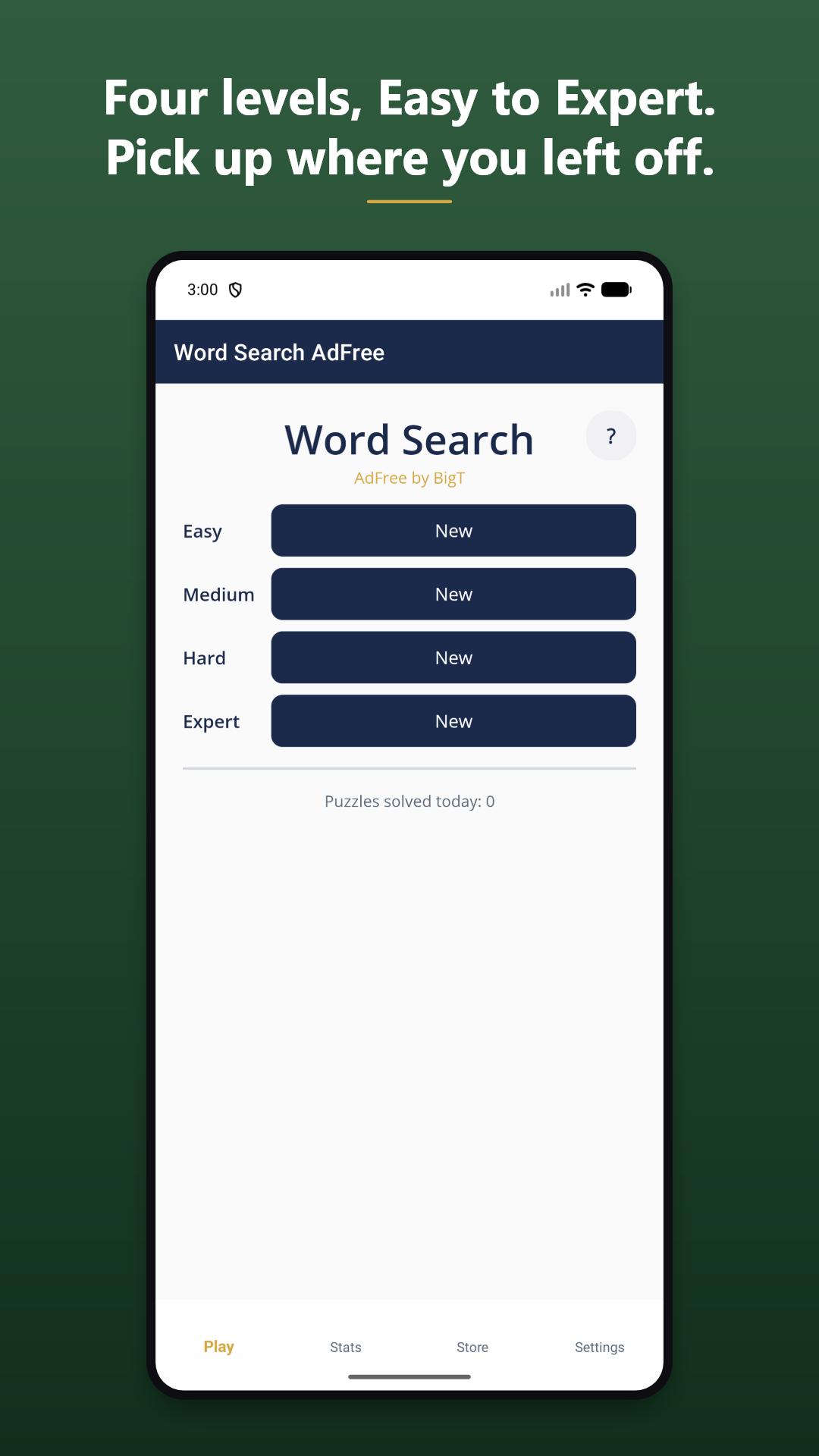
Drag through a word to find it. Words are spread across the grid rather than stacked into crossings, and Easy hides nothing backwards — which makes the step up to Medium the biggest single jump in the game.
Get it on Google Play
An Android app. iOS is in development, with no date yet —
get an email when it lands.
What the game is
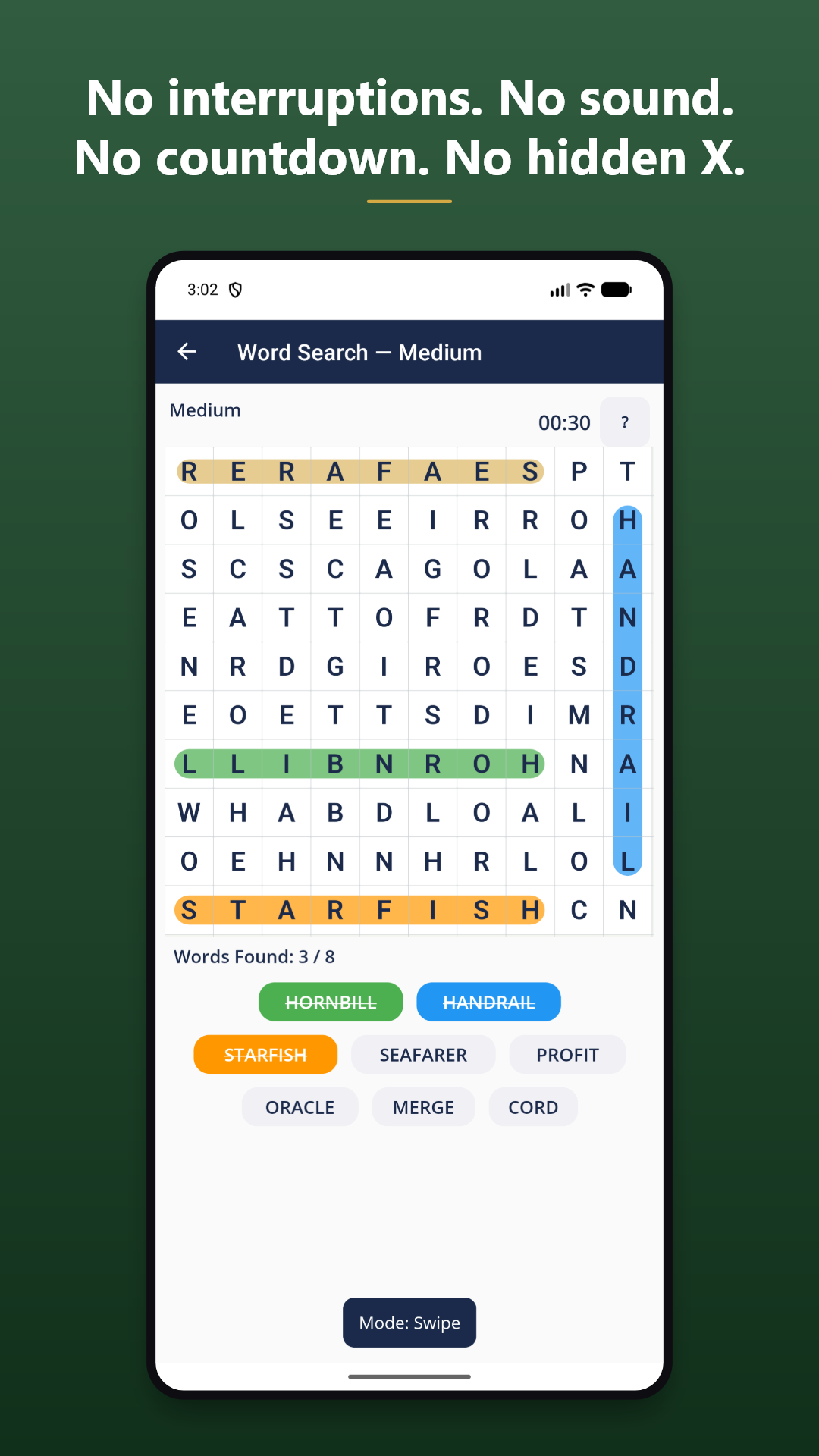
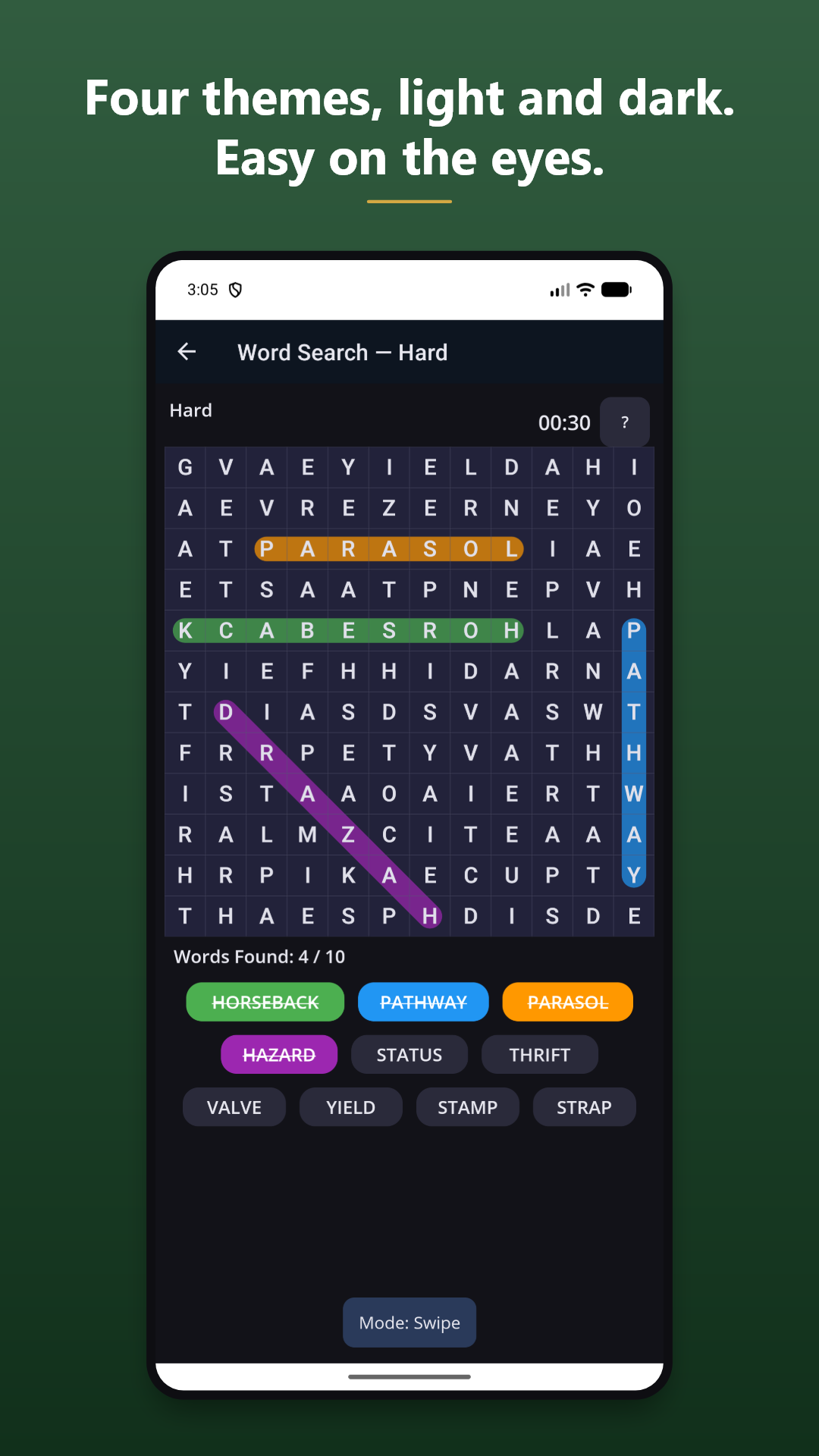
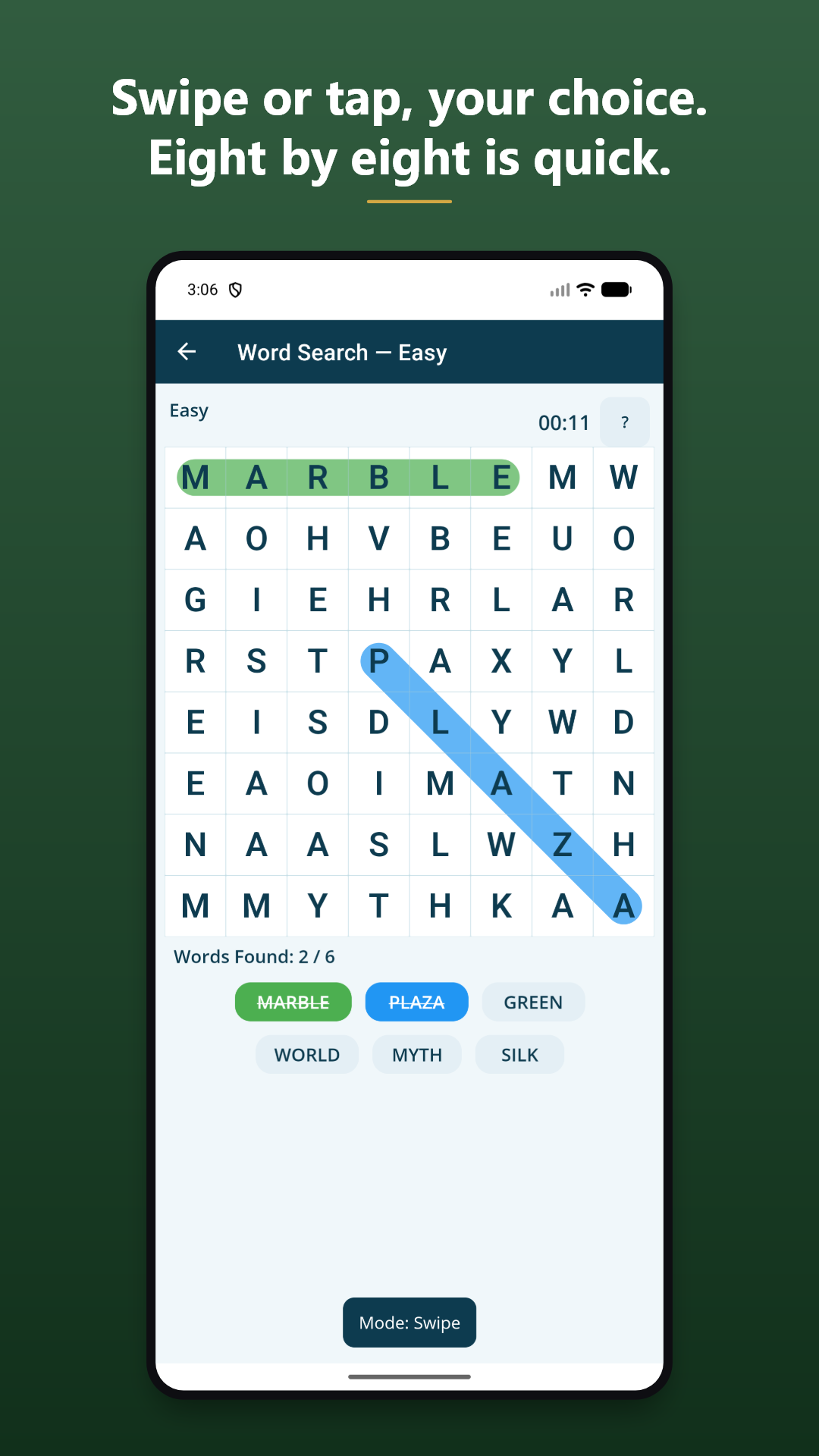
A grid of letters hides every word on the list. Press the first letter, drag to the last, and let go — the trail highlights as you drag, and a correct word stays marked and is struck through on the list.
Words can run in up to eight directions, and which ones are in play depends on the difficulty. Some puzzles carry a theme, shown under the difficulty, telling you what the words have in common; puzzles drawn from the general dictionary show none.
How you play it
- Finding a word
- Press on the first letter and drag to the last one, then release.
- The word list
- Sits beside the board in landscape and above or below it in portrait — your choice.
- Hunt the long words first
- A nine-letter word barely fits: there are only a handful of places it can start and still have room to finish. A four-letter word can hide almost anywhere.
- Search for the rare letter
- For QUARTZ, sweep for Q or Z. There may be two in the whole grid, against a dozen or more of any vowel.
What the four difficulties actually mean
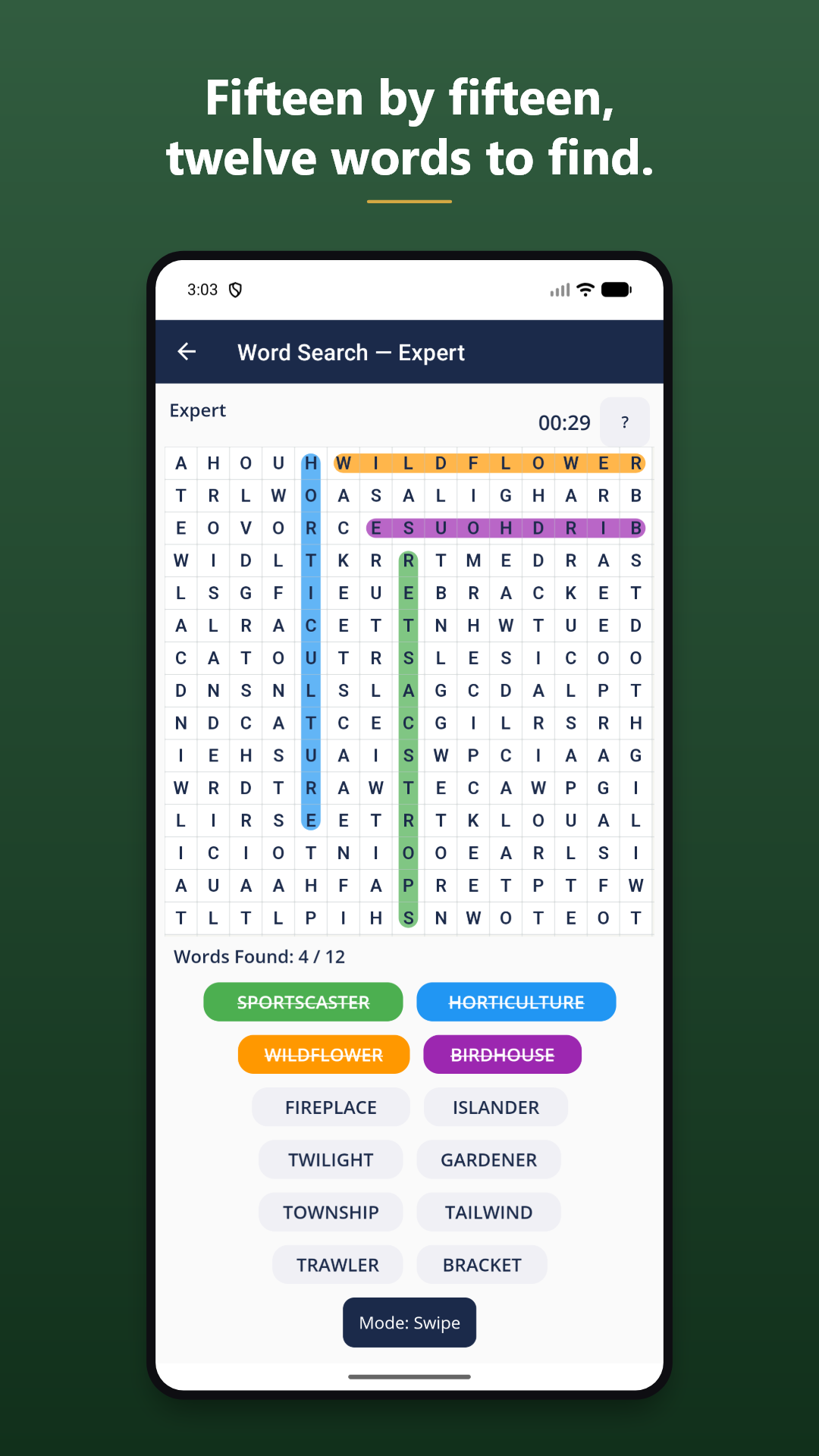
Grid and list both grow — and the directions change.
The grid grows faster than the list does: Expert has twice Easy’s words but nearly four times the area to hide them in. Average word length climbs from about five letters at Easy to nearly nine at Expert, which keeps a big grid from becoming a hunt for scattered three-letter fragments.
What is free, and what is not
Two hundred puzzles to start — fifty in each of the four difficulties.
Extra puzzles come as packs, sold one at a time. There is no bundle you
have to buy to get a fair deal, no "unlock everything" upsell, and no
subscription — you buy the pack you want and nothing else.
Purchases are tied to the account you sign in with, so they survive a
reinstall or a new device. Prices are US dollars; your local store will
show its own.